

Just Blow UP
Play next

August 24, 2026 · 5 min read
No violence to screen for, no chat with strangers, no surprise purchase prompts — here's what's genuinely fine to hand over.
Finding a game to hand a kid usually means checking for three things: no violence or scary content, no chat with strangers, and no surprise purchase prompts mid-session. Browser games make the checking part easier than an app store ever does — no account to create, no in-app store to navigate around, just a page you can look at yourself before handing over the tablet.
Every game below uses cartoon-style visuals with no violence, no open chat with other players, and no purchase flow — just simple, readable controls and a clear goal. That's a deliberately narrow bar. It doesn't replace checking a game yourself before longer, unsupervised use, but it's a solid shortlist to start from.
Start with these
Sandy Balls
Dig away the sand, clear a path and guide the ball to the goal in this satisfying physics puzzle.
Play →
Popcorn Stack
Stack popcorn boxes, fill them with tasty toppings, and decorate them in this fun, satisfying stacking game.
Play →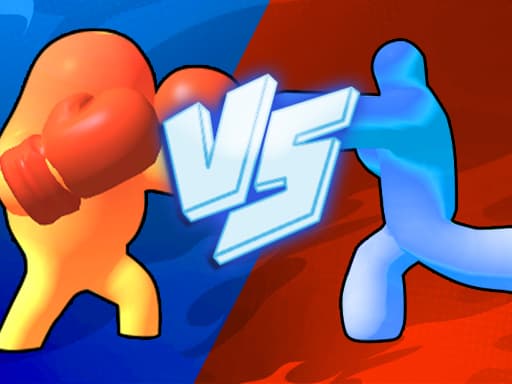
Jelly Runner 3D
Grow your jelly runner bigger by dodging obstacles and collecting numbers before the final boss showdown.
Play →Most of the genre works well from around age 5 up — simple tap or drag controls, no reading required to understand the goal. Games that involve more planning or light strategy suit older kids better, roughly 8 and up. When in doubt, the short description and preview art on each game page give a fast read on whether it fits before you commit.
Looking for something with a bit more style and creativity once screen time is more supervised? The dress-up and makeover guide covers another genre built for a young audience, with a bit more room to get creative.
Related guides
No tutorial to sit through, no run to lose progress on — just open a tab and play. Here's what actually holds up past the first five minutes.
casualNo money changes hands, but the tension is real — bank your points now or push for one more flip. Here's what nails that feeling, and how to actually read the odds.
GuideHow evening gaming can affect sleep through timing, arousal, light and caffeine, with CDC sleep guidance by age, a sample evening routine and a habit self-check table.
We use optional cookies for site analytics and site advertising. You can change your choice later. Privacy policy.