
HTML5 game publishing
How to Build a Useful HTML5 Game Press Kit
What to put in a game press kit: logo, thumbnail, cover, screenshots, trailer and descriptions, plus a folder structure and copy-ready templates.
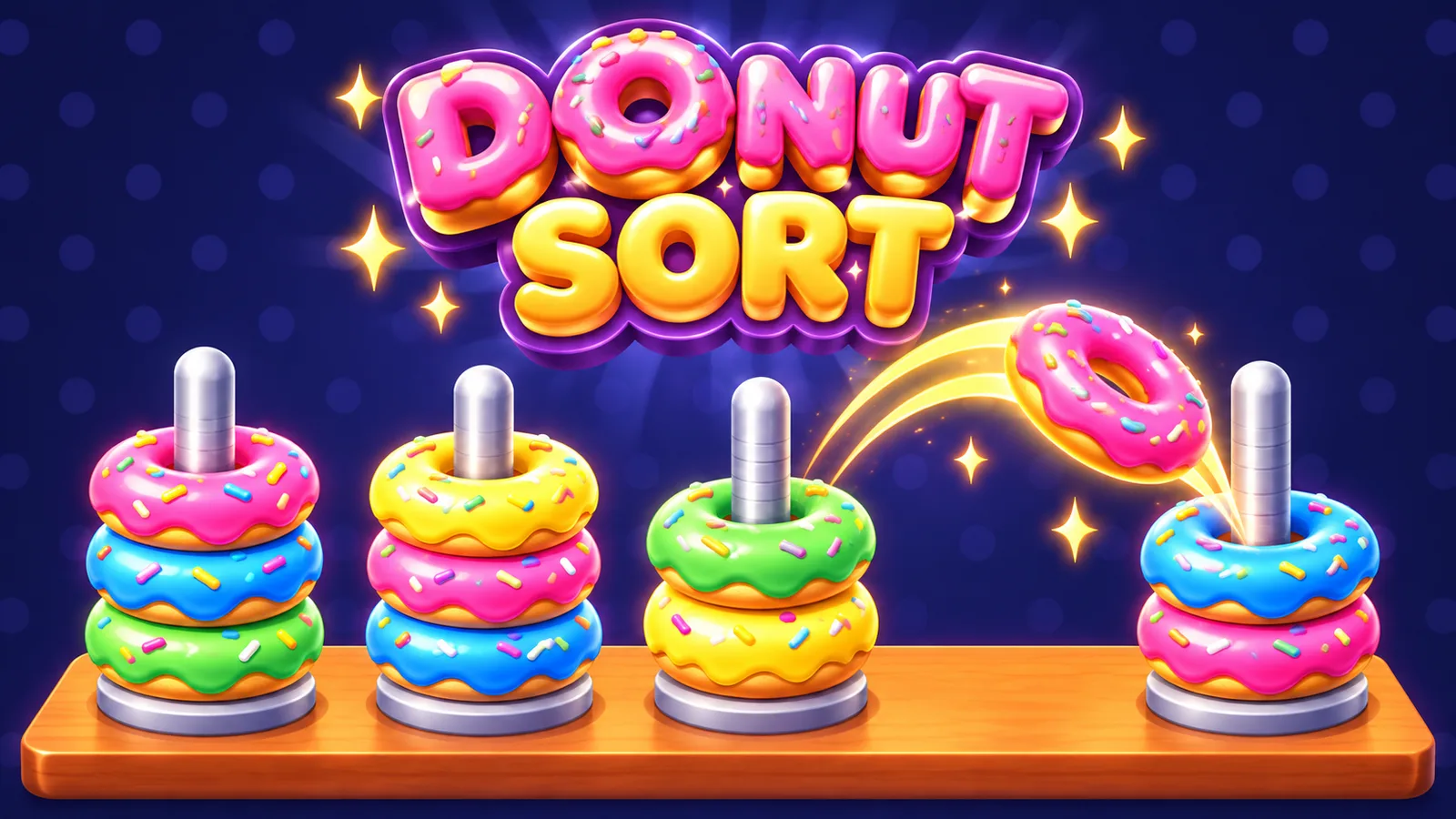
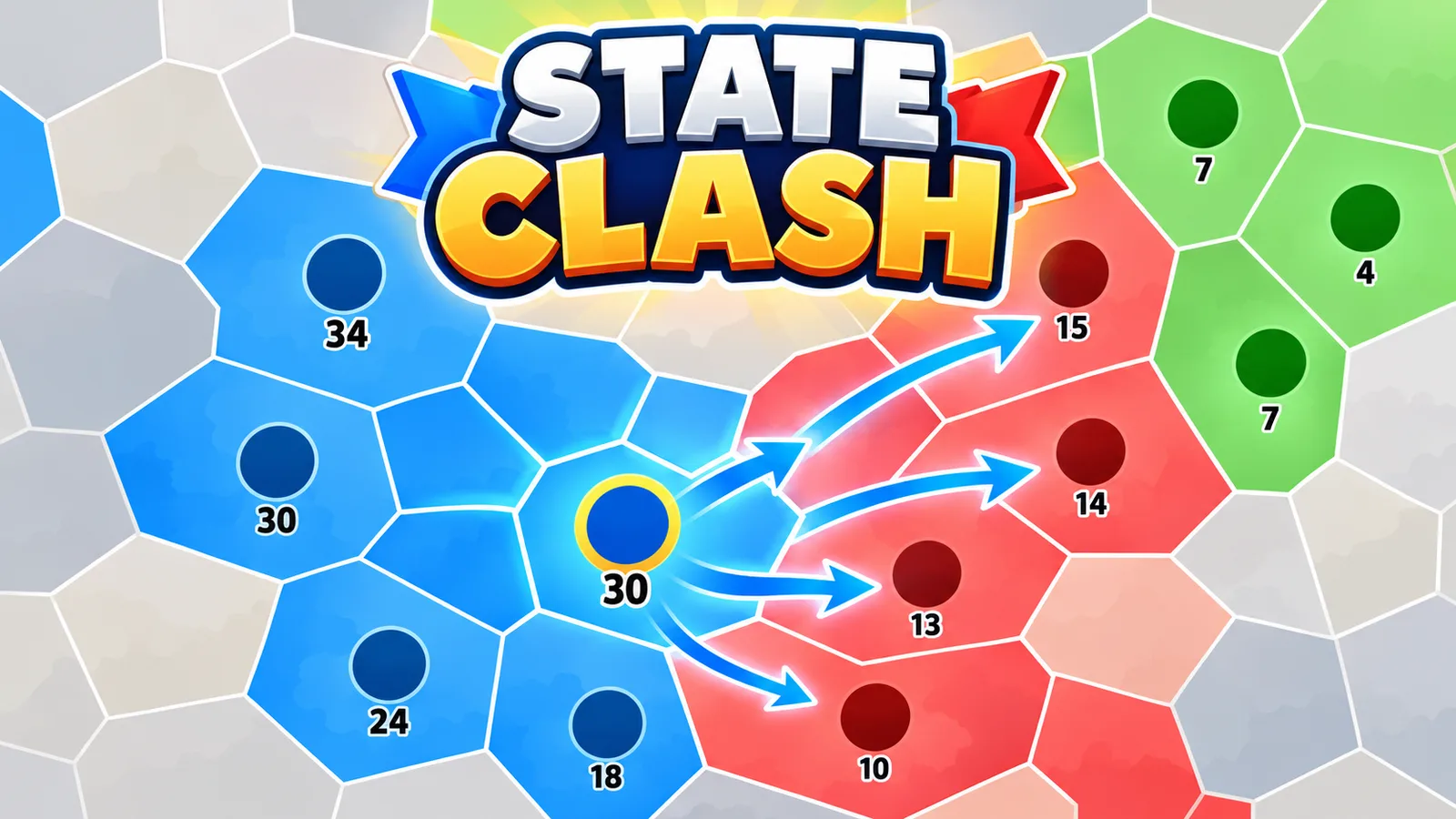
Publishers, portals and journalists receive more game pitches than they can read. A good press kit means they can understand your game, trust it and publish it without writing back to ask for a logo. This guide covers what to include, how to structure the folder, and gives a template you can copy.
What a press kit is for
- Portal curators who need a thumbnail, cover and description to list your game.
- Website owners who want to embed or feature it.
- Press and creators who need screenshots, a trailer and facts to write a short piece.
It should answer their questions before they ask: what is it, what does it look like, how does it play, who made it, where can it be played, and what may I use.
Asset requirements
| Asset | What to provide | Notes |
|---|---|---|
| Logo | Transparent PNG or SVG, light and dark versions | Large enough to scale; include a small version |
| Thumbnail / icon | Square, 512x512 | PlayKovo asks for a square thumbnail of 512x512 up to 2 MB |
| Cover image | 16:9, for example 1920x1080 | PlayKovo's cover is 16:9 up to 4 MB, WebP preferred |
| Screenshots | 4 to 8 real in-game images, same size | Show gameplay first, menus later; no mock-ups of features that do not exist |
| Trailer or preview video | A short MP4 or WebM | PlayKovo accepts up to 20 seconds and 20 MB for a preview video |
| Description | One-line pitch, short description, long description | Plain language, matches the real game |
| Controls | Desktop and mobile controls in one short block | Add gamepad support if it exists |
| Facts sheet | Platform, devices, orientation, languages, release date, price | Make it quick to scan |
| Credits and licenses | Who made it, and licenses for third-party assets | Prevents rights questions later |
| Contact | One email and a link to your site or profile | A person who answers |
Write the description in three sizes
- One line (under 100 characters): what you do and one hook. Example: "Stack falling blocks into the tallest tower you can."
- Short (2 to 3 sentences): the loop, the goal, what makes it different. This is what cards and listings show.
- Long (a few short paragraphs): features, progression, controls, and who it is for.
Stick to facts. If you say "100 levels", have 100 levels. Reviewers compare the listing with the build; PlayKovo's rules list a listing that misrepresents the game as a rejection reason.
Suggested folder structure
my-game-press-kit/
  README.txt            (what is inside, how to use it)
  factsheet.md          (key facts, copy-ready)
  description.md        (one-line, short, long, controls)
  credits-and-licenses.md
  logo/
    logo-dark.png
    logo-light.png
    logo.svg
  icon/
    icon-512.png
  cover/
    cover-1920x1080.webp
  screenshots/
    01-gameplay.png
    02-gameplay.png
    03-menu.png
    04-level-select.png
  video/
    trailer-20s.mp4
  usage-terms.txt       (what press and portals may do with the assets)
Zip it, keep the file under a size that email and chat tools accept, and link to a download rather than attaching large videos.
Copy-ready template: factsheet.md
# [Game title]

One line: [one-sentence pitch]

Developer: [name / studio]
Contact: [email]
Website: [link]
Play it: [link to the game page]

Genre: [genre]
Platforms: [browser, desktop, mobile]
Orientation: [landscape / portrait / any]
Languages: [list]
Release date: [date]
Price: [free / paid]
Engine: [Unity / Godot / Construct / custom]
Build size: [MB]

## Short description
[2-3 sentences]

## Features
- [Feature one, with a real number if possible]
- [Feature two]
- [Feature three]

## Controls
Desktop: [keys / mouse]
Mobile: [touch controls]

## Credits
[People, tools, third-party assets with licenses]
Copy-ready template: usage-terms.txt
You may use the images and video in this folder to write about,
review or list [Game title], with credit to [Developer].
Please do not alter the logo, imply an endorsement, or use the
assets for other products. Contact [email] for anything else.
Common mistakes
- Screenshots that show only the title screen.
- Images in different sizes and aspect ratios, which forces extra work.
- A trailer that makes the game look different from what players get.
- No license information for fonts, sounds or art.
- No contact address, or one that is never read.
- Huge uncompressed files that never reach the recipient's inbox.
Check before you send
- Every asset comes from the current build.
- Names and facts match everywhere: title, version, player count, level count.
- Licenses for third-party items are listed.
- Someone outside your team opened the zip and found what they needed within a minute.
The same kit works for PlayKovo: prepare it first, then submit from the developer area. Read the submission rules to match the file sizes, and see how reviewers check a submission.